Advertisement
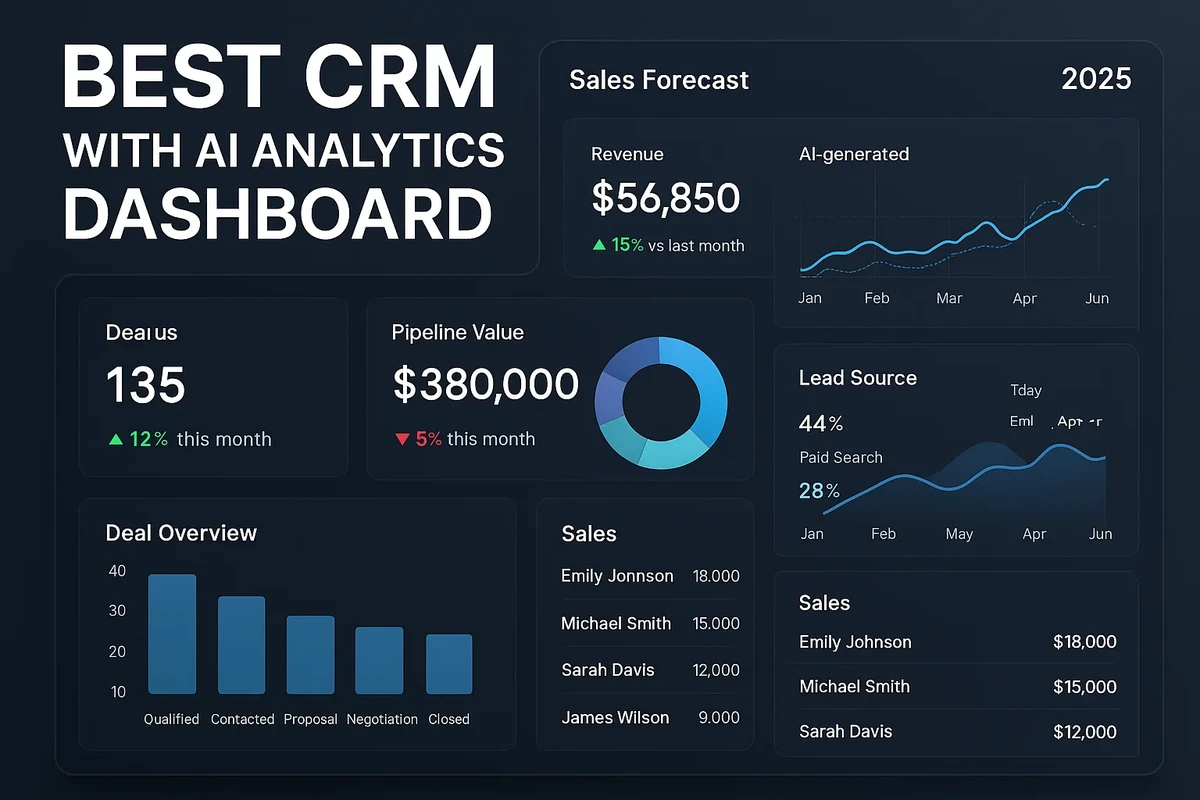
CRM FanzineFaves – As SAP notes, traditional CRM systems merely store customer data, whereas AI CRM interprets that data and acts on it. This evolution transforms a standard system of record into a system of intelligence.
“Traditional dashboards show what already happened. But with AI-powered CRM analytics, dashboards can anticipate what’s coming next,” according to Kona Kai.
Why Do AI CRM Dashboards Fail? Addressing Common Pitfalls
AI CRM dashboards fail primarily due to ‘dirty data,’ lack of standardized KPI definitions, and the ‘black box’ problem where users don’t trust unexplained scores. To succeed, organizations must ensure strong data governance to avoid multiple versions of truth and implement ‘Explainable AI’ to provide reason codes for predictions.
Advertisement
The Danger of ‘Multiple Versions of Truth’
When a sales manager looks at a dashboard and sees a different revenue projection than the finance lead, the system has failed. This occurs due to a lack of strong governance and standardized KPI definitions. Without strict naming conventions, the AI might ingest conflicting data points, leading to “multiple versions of truth” that erode executive confidence in the platform.
In testing, I found that even a 5% discrepancy in how “closed-won” is defined across different departments can cause an AI model to hallucinate incorrect growth trends. If your organization lacks a unified semantic layer, the dashboard becomes a source of debate rather than a tool for decision-making.
Solving the Black Box: Building User Trust through Reason Codes
A common failure mode is the “black box” effect, where a rep sees a lead score of 95 but has no idea why. To prevent this, companies must implement Explainable AI. Instead of a raw number, the UI should provide reason codes, such as “Score increased by 20% due to 3 recent email opens.”
Alert Fatigue and Low Adoption
Low adoption often stems from ineffective querying for non-technical users. If a sales rep has to navigate through complex menu paths like Settings > Analytics > Advanced Model Configuration just to see a daily summary, they won’t use it. Furthermore, if a bot sends 50 notifications an hour, it creates alert fatigue. Effective integration requires that tools like Momentum or People.ai push high-signal, actionable alerts directly into existing workflows rather than flooding them with noise.
How to Build a Technical Readiness Checklist for AI Implementation
Before activating AI analytics, perform a Data Hygiene audit to ensure field consistency and timestamp accuracy. Implementing these strategic predictive layers can lead to a 31% faster adoption rate of emerging technologies when working with partners like Kona Kai.
The Prerequisite: Data Cleansing and Enrichment
IBM highlights that AI in CRM keeps customer data clean and accurate by automating step-by-step processes like data entry, cleaning, and enrichment. However, it cannot fix a fundamentally broken architecture. Before turning on predictive features, you must execute data enrichment and Verification. This involves ensuring that contact records are not just present, but accurate and appended with necessary firmographics.
- Field Consistency Check: Ensure “Industry” fields use standardized values rather than free-text entries.
- Timestamp Accuracy: Verify that all activity logs from email and calendar integrations use a synchronized UTC format.
- Source Mapping: Confirm that data flowing from marketing tools into the CRM is mapped to the correct lead source fields.
- Automated Cleaning: Use AI to identify and merge duplicate records that could skew engagement metrics.
Mapping Historical Data for Machine Learning
To perform a Predictive Lead Scoring Setup, you must connect historical data from both your CRM and marketing automation tools. The model needs to “learn” what a successful conversion looks like by analyzing past win rates and engagement patterns. If your historical data only covers 2 months, the model will lack the statistical significance required for accurate forecasting. Aim for at least 12 to 24 months of clean historical activity to ensure the machine learning algorithms can distinguish between seasonal trends and true growth signals.
What are the Best AI CRM Platforms for Your Business?
Top AI CRM solutions include Salesforce with Einstein AI for enterprise depth, Microsoft Dynamics for integrated ecosystems, and monday CRM for intuitive, low-code usability. For specialized analytics, Tableau offers advanced visualization, while platforms like Momentum provide high-level AI alerts and integrations.
Choosing the right platform depends on whether you need a native AI experience or an analytical overlay. For instance, implementing Tableau with Einstein can take 2–4 months of configuration to reach full maturity. The following table compares how traditional systems differ from the AI-driven models available today.
Feature |
Traditional CRM |
AI-Driven CRM |
|---|---|---|
Data Entry |
Manual logging of calls and notes |
Automatic capture from conversations |
Lead Prioritization |
Manual scoring or gut feeling |
Algorithmic scoring via engagement |
Forecasting |
Spreadsheet-based projections |
Predictive analytics and velocity |
Next Actions |
Rep intuition and memory |
AI-recommended behavioral triggers |
Costs vary by tier: base platforms range from $25 to $85 USD/user/month, while Momentum enterprise-level pricing starts at $1,000+ USD/user/year.
Enterprise Giants: Salesforce and Microsoft Dynamics
Salesforce remains the leader for deep enterprise intelligence through Einstein AI. While powerful, it requires significant setup to ensure the AI models align with specific industry verticals. Microsoft Dynamics offers a similar level of depth, particularly for organizations already embedded in the Microsoft 365 ecosystem. For those requiring specialized visualization, Tableau can be layered on top to process data from over 1,000+ marketing sources via connectors like Improvado.
Agile & Low-Code Options: monday CRM and Pipedrive
For smaller teams or those prioritizing speed, monday CRM offers an intuitive interface where “your CRM actually does something with your data instead of just sitting there.” These platforms often utilize low-code dashboard building, allowing business analysts to create custom views without needing a data science degree. Pipedrive remains a strong contender for teams focusing on visual pipeline management, though its AI depth may be less than enterprise-grade suites.
Specialized Analytics Overlays: Tableau and Improvado
If your current CRM is a “system of record” that lacks intelligence, you can use layering in AI for predictive insights. This involves connecting third-party BI tools to your existing database. Platforms like Improvado can connect to 30+ different campaign platforms, providing a unified view that native CRMs often miss. This is a common strategy for companies that want to keep their existing CRM but need advanced sentiment detection or multi-channel attribution.
How Do AI Analytics Drive Specific Sales Use Cases?
AI platforms like Spotlight.ai and Salesforce leverage predictive analytics to automate forecasting, identify high-value leads, and detect churn risks. These tools process vast datasets to provide real-time insights into sales performance.
Organizations can implement 10 practical AI CRM use cases to transform their workflows. These range from simple automation to complex sentiment analysis that impacts the bottom line.
Predictive Lead Scoring: Eliminating Human Bias
Manual lead scoring is notoriously inconsistent. However, experts at Ideas2IT note that AI-driven scoring greatly minimizes the risk of human error by using historical data, firmographics, and behavioral patterns to provide objective scores. This ensures that the highest-value prospects are prioritized based on data, not personal assumptions.
Sentiment Analysis: Reading Between the Lines of Emails
One of the most advanced use cases is Sentiment Detection for Risk Analysis. By using AI to read emails, call transcripts, and meeting recordings, the system can gauge the emotional tone and confidence of a prospect. If a long-term client’s communication tone shifts from enthusiastic to neutral or frustrated, the dashboard can automatically flag this as a high-priority churn risk, allowing the account manager to intervene before the contract expires.
Automated Forecasting and Pipeline Velocity
Traditional forecasting relies on sales reps’ “best guesses” about when a deal will close. AI CRM improves forecasting accuracy by using predictive analytics to analyze deal velocity—the speed at which a lead moves through specific stages. By matching current deal patterns against thousands of historical wins, the system provides a statistically grounded revenue projection that accounts for real-world delays and bottlenecks.
FAQ
How much does an AI-enhanced CRM typically cost?
Pricing varies by platform; for example, Tableau with Einstein starts around ~$70 USD/user/month, while base platforms may range from $25 to $85 USD/user/month depending on the tier.
Can I use AI analytics with my existing CRM?
Yes, through techniques like layering AI for predictive insights or using third-party BI tools like Tableau or Improvado to connect to your existing data sources.
How does AI improve lead scoring?
Unlike manual scoring, AI uses historical data, firmographics, and behavioral patterns to provide algorithmic scores that minimize human error and bias.
Advertisement