Advertisement
CRM FanzineFaves – An ecommerce CRM is a specialized software system designed to manage individual customer data, purchase histories, and lifecycle interactions. Unlike traditional B2B CRMs that focus on account-level management, ecommerce CRMs prioritize individual consumer behavior to drive retention, automate personalized marketing flows, and optimize lifetime value through data-driven insights. A mere 5% increase in customer retention can boost profits by an astounding 25% to 95%.
How do you choose between building, buying, or integrating a CRM?
Choosing a CRM depends on your scale: Platform-based CRMs (SaaS) offer faster deployment and lower maintenance, making them ideal for most retailers. Custom CRM development is reserved for enterprises with unique, complex workflows. When deciding, factor in hidden costs like API call limits, data sync latency, and developer hours for integrations.
The Build vs. Buy Decision Matrix
Retailers often weigh the high upfront capital of custom development against the speed of SaaS solutions. While bespoke systems offer total control, platform-based providers allow you to validate specific workflows through a 15-day or 30-day free trial. This testing phase is essential to ensure the software meets your operational needs before signing a long-term contract.
Advertisement
CRM Type |
Best For |
Key Advantage |
Primary Risk |
|---|---|---|---|
Platform-based (SaaS) |
Most Retailers |
Fast deployment & lower maintenance |
Limited deep customization |
Custom CRM |
Large Enterprises |
Unique, complex workflows |
High cost & developer dependency |
Open-source |
Technical Teams |
In-depth custom workflows |
Complex deployment & management |
B2B CRM |
Service/Sales Orgs |
Account-level management |
Ineffective for individual consumer tracking |
The table above illustrates that the “best” choice is relative to your technical maturity and budget. A common misconception is that custom builds are always superior; however, the maintenance burden often causes these projects to fail when the original development team departs. Professional implementation service providers, such as Itransition, can help bridge this gap with over 10+ years of experience in managing complex transitions.
Hidden Costs: API Limits and Data Sync Latency
A major pitfall in the “buy” decision is ignoring the technical constraints of your chosen software. Many SaaS providers implement strict API call limits that can throttle your data flow during high-volume periods. If your CRM cannot sync with your storefront in real-time, you risk creating data silos where your marketing team sends a promotional email for a product a customer just returned. This latency breaks the customer experience and creates unnecessary operational friction.
Why do most ecommerce CRM implementations fail during peak traffic?
Implementation failures typically stem from poor employee training, inaccurate Data Hygiene, or lack of clear objectives. In high-velocity periods like Black Friday, technical failures often occur when CRM-to-storefront integrations (like Shopify or Magento) cannot handle sync latency or API call exhaustion, leading to fragmented customer experiences.
The BFCM Stress Test: Avoiding Sync Breakage
Black Friday and Cyber Monday (BFCM) serve as the ultimate stress test for any ecommerce tech stack. During these windows, the volume of orders can spike by 10x or more compared to a standard Tuesday. If your CRM integration is not optimized, the API exhaustion can lead to a complete breakdown of automated flows. This results in customers receiving delayed welcome emails or, worse, incorrect discount codes that have already expired.
To avoid this, companies must move beyond basic setup and implement rigorous testing. A failure mode to watch for is the “zombie order,” where a transaction is completed on the storefront but fails to register in the CRM due to a sync timeout. This leaves your customer data fragmented and your automation flows broken exactly when you need them most.
Data Decay and the Hygiene Problem
Data silos cause significant brand friction. This occurs when a marketing team sends a promotional email for a product a customer just returned because the data hasn’t synced. Maintaining high data hygiene is critical to ensure your automation targets customers based on accurate, real-time information.
What are the best ecommerce CRM solutions for your growth stage?
The best CRM depends on your business stage: Seed-stage brands often start with email-first tools like Brevo or Drip. Scaling brands require omnichannel automation like Klaviyo or Omnisend. Enterprise retailers benefit from AI-driven, all-in-one powerhouses like Salesforce or Integrow that combine CRM with ERP capabilities.
Seed Stage: Email-First & Lightweight Automation
When you are just starting, you do not need a massive enterprise suite. For seed-stage brands, lightweight tools that prioritize email and SMS are sufficient. Brevo serves as a strong email-first option for small businesses looking to establish a baseline. Similarly, Drip offers lightweight automation that focuses heavily on the core drivers of ecommerce: email and SMS interactions. These tools allow you to build a foundation without the complexity of a full-scale ERP integration.
Scaling Stage: Omnichannel & Lifecycle Marketing
As your revenue grows, your needs shift from simple broadcasts to complex lifecycle management. Scaling brands require “autonomous” tools that can handle omnichannel data. Klaviyo is a dominant player here, acting as an autonomous CRM for B2C brands by deeply integrating with storefront data to trigger specific behaviors. Omnisend is another powerful platform for brands that need to coordinate marketing across multiple channels seamlessly. At this stage, the goal is to move from “sending emails” to “managing relationships” through data-driven segments.
Enterprise Stage: AI-Powered ERP Integration
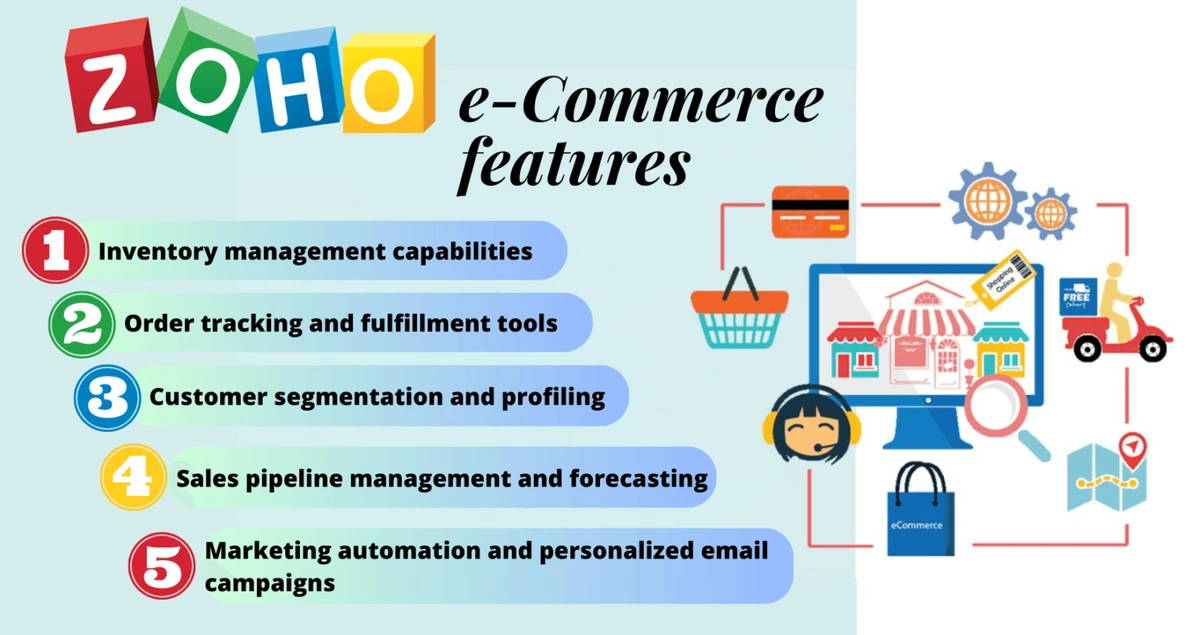
For large-scale retailers, a CRM must do more than track emails; it must act as a centralized intelligence hub. Salesforce remains the industry standard for enterprise-grade AI-driven CRM, offering massive scalability. For brands requiring even deeper integration, Integrow acts as an all-in-one AI-powered powerhouse that combines CRM capabilities directly with ERP functions. This level of integration is critical for managing complex supply chains alongside customer data. Using the Zoho CRM “Canvas design studio” allows enterprise teams to customize the UI to match their specific operational workflows, ensuring high adoption rates among staff.
Solution |
Target Stage |
Core Strength |
Best Use Case |
|---|---|---|---|
Brevo / Drip |
Seed |
Lightweight Automation |
Early-stage email/SMS |
Klaviyo / Omnisend |
Scaling |
Omnichannel Data |
Lifecycle marketing automation |
Salesforce |
Enterprise |
AI & Scalability |
Global multi-channel retail |
Integrow |
Enterprise |
CRM + ERP Integration |
Unified operations and sales |
How can you use lifecycle marketing flows to drive B2C growth?
Lifecycle marketing uses automated flows to meet customers at specific journey stages. Key flows include personalized welcome sequences, replenishment reminders based on purchase frequency, and post-purchase check-ins. This proactive approach reduces friction and increases lifetime value by predicting what a customer needs next.
“Flows are how we meet customers exactly where they are in their journey,” explains Jennifer Gilbert, head of ecommerce at Nutra Organics. This philosophy is what separates successful brands from those that simply blast their entire list with generic discounts. By using data to trigger specific actions, you can drive growth without increasing your ad spend.
- Personalized Welcome Sequences: Introduce your brand story and offer a first-purchase incentive immediately after signup.
- Replenishment Reminders: Use purchase frequency data to predict when a customer is running low on a product and send a timely reminder.
- Post-Purchase Check-ins: Automate a message a few days after delivery to ensure satisfaction and prevent chargebacks.
- Win-back Flows: Target customers who haven’t purchased in a specific timeframe (e.g., 60 or 90 days) with a special “we miss you” offer.
A real-world example of this is Longplay, a brand that automates customer experience check-ins via SMS. Rather than waiting for a customer to complain, they proactively reach out to ensure the product meets expectations. This proactive customer service technique significantly reduces friction and builds long-term brand loyalty.
Is your current tech stack bloated or optimized?
Tech stack bloat occurs when businesses use disconnected tools for customer data, loyalty, and automation, creating friction. To optimize, audit whether your current Email Service Provider (ESP) can handle your CRM needs or if you need to transition to a dedicated, integrated CRM to prevent data silos.
Many growing companies fall into the trap of “app sprawl.” Salesforce data suggests that the average company uses roughly 900 apps, which can lead to massive inefficiencies if those apps do not talk to each other. If your loyalty program lives in one tool, your email in another, and your customer support in a third, you are likely suffering from data fragmentation. This makes it impossible to get a “single source of truth” for any given customer.
To perform a quick audit, check your current integration paths. If you find yourself manually exporting CSV files from your storefront to upload them into your email tool, your stack is bloated and broken. You need a unified view to prevent the “data silo” effect, where marketing sends promotions to customers who have open support tickets or recent returns.
Shortcut: To quickly check integration health, navigate to your Storefront Admin > Settings > Integrations and verify if the “Last Sync” timestamp is within the last 60 minutes.
FAQ
How does an ecommerce CRM differ from a B2B CRM?
While B2B platforms like HubSpot manage contacts at an account level, ecommerce CRMs are designed for individual-based management. This allows retailers to track specific consumer shopping behaviors and individual lifecycle stages.
Yes, most providers offer a 15-day or 30-day free trial to allow businesses to test features, check API stability, and validate integration capabilities with their existing storefront.
Advertisement